

Referrer Access Policy
Referrer Access Policy controls which websites are allowed to load and play your videos.1. Open Security Settings
To open Security Settings, see Open Security Settings in the Country Access Policy section.2. Allow by Default
All websites can access your video unless you specify domains to block.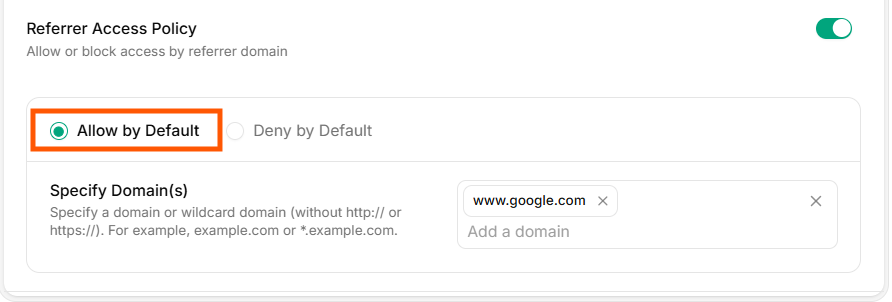
Allow by Default
3. Deny by Default
All websites are blocked from accessing your video except the domains you explicitly allow.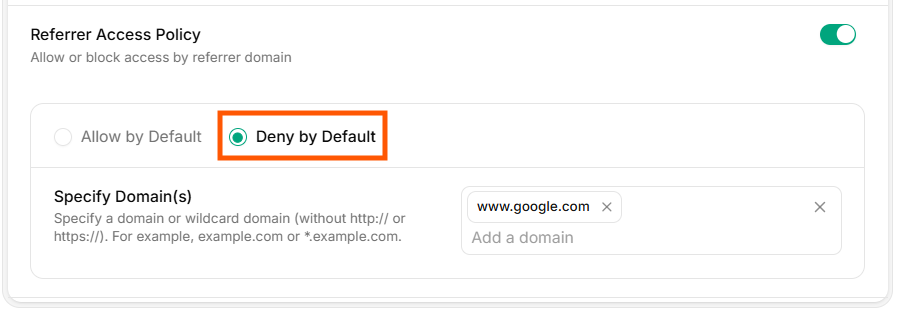
Deny by Default
4. Specify Domain(s)
Add the domains that should be allowed or blocked based on your chosen rule.Only the specified domains will be permitted according to your policy settings.